 IP Camera Hub
Choose and connect IP cameras.
Find the local stream, power and setup details that fit your camera.
CameraViewer on iPhone


App captures from the simulator, using sample camera feeds.
Choosing a camera?
Start with your installation, then check the exact model.
Already own one?
Find its manufacturer settings or work through a connection problem.
Camera models
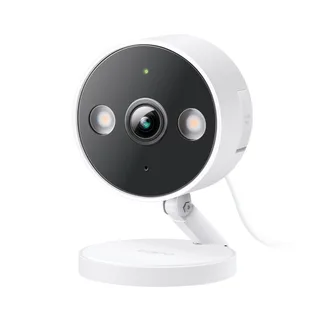
Tapo C120
Fixed Wi-Fi camera for a chosen indoor or outdoor view.
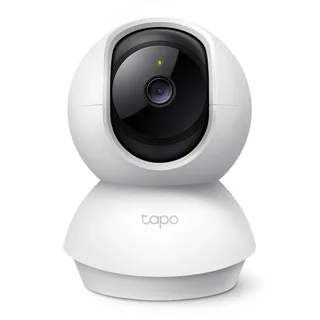
Tapo C210
Indoor Wi-Fi pan-and-tilt camera with documented local video routes.
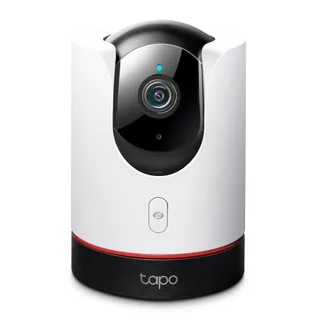
Tapo C225
Indoor Wi-Fi pan-and-tilt camera with lens concealment and local stream documentation.
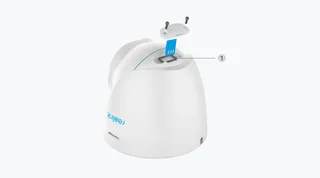
Reolink RLC-520A
Outdoor PoE camera candidate with revision-sensitive video specifications.
Tapo C320WS
Outdoor fixed camera with Ethernet data and separate DC power.
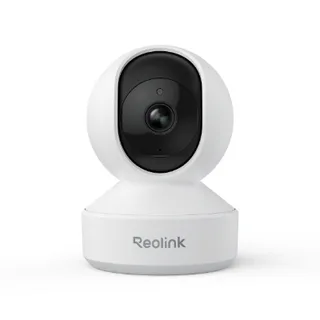
Reolink E1 Pro
Indoor powered camera with a documented standalone stream route.
Reolink E1 Outdoor
Outdoor adapter-powered camera with optical zoom and a documented local stream.
Reolink RLC-810A
An 8 MP PoE bullet camera whose clear stream needs an H.265 check.
Reolink Duo 2 PoE
A stitched wide-view PoE camera with recorder-version constraints.
Amcrest IP8M-T2599EW-AI-V3
A documented PoE turret candidate with an internal specification-name discrepancy to resolve.
Connection help
How to view an IP camera on iPhone
Prepare your camera address, stream settings and local network access, then work through a clear checklist for viewing on iPhone.
RTSP camera viewer: addresses, codecs and first checks
Understand what an RTSP camera viewer needs, collect the correct stream address and separate camera settings from untested app support.
IP camera connection troubleshooting: a clear checklist
Work through camera address, permission, account and video format checks in order, with a redacted report that makes failures easier to investigate.
We develop CameraViewer for iPhone and iPad. The app is in development for iOS and iPadOS 26; physical-camera tests remain pending. See app progress ↗